Small rant that turned into a PSA
Small rant that turned into a PSA.
I had a uni admission form last week — one of those PDFs that's really just a scanned page with lines on it, no clickable fields, nothing. My first instinct was the usual: print it, fill it by hand, scan it back, hope the scan doesn't look crooked. Did that for years without really questioning it.
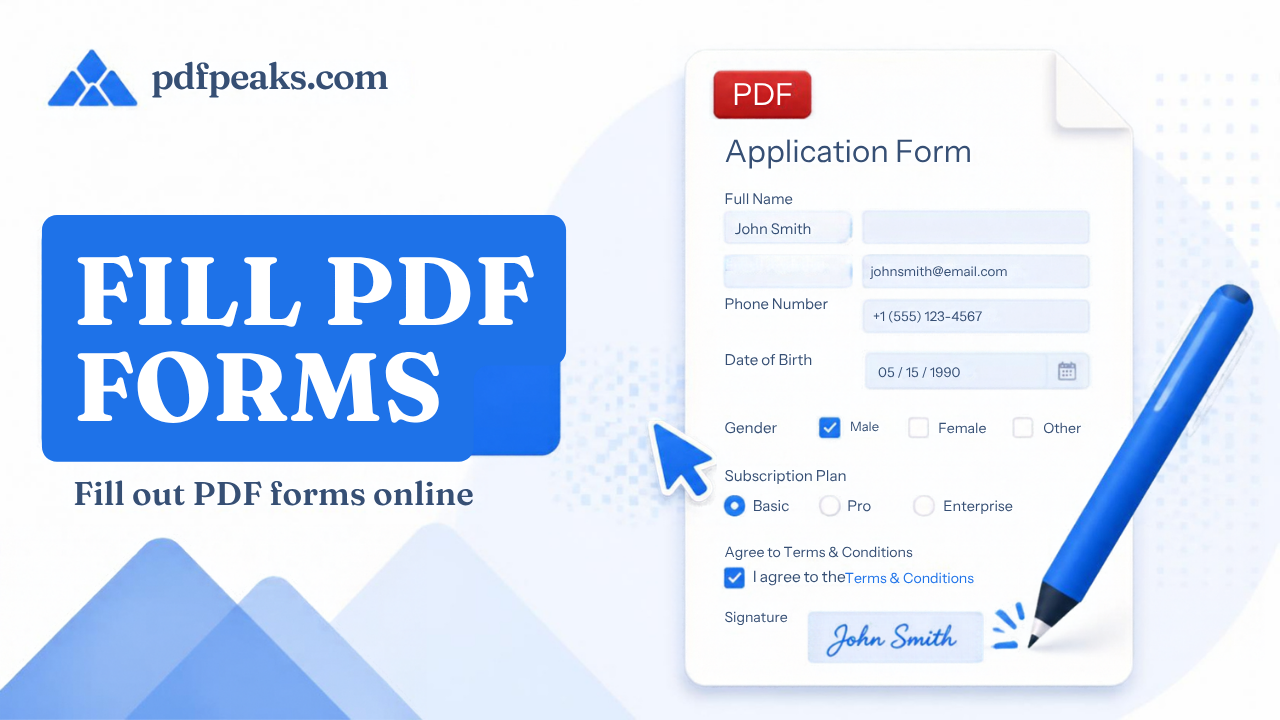
This time I didn't have a printer nearby, so I went looking for something that'd let me just type onto the PDF directly. Found pdfpeaks.com/pdf/fillforms and honestly wasn't expecting much — most "PDF form filler" tools online either want an account, slap a watermark on it, or only work if the PDF already has real interactive fields built in (which, let's be honest, half of ours never do — NADRA forms, FBR worksheets, most uni paperwork, all flat scans).
This one just lets you click wherever the answer goes, drop a text box or checkbox right there, type it in, download. No signup. Worked fine on a form that had zero actual fields to begin with, which is the part that usually breaks these tools.
Couple honest notes if you try it. It stamps your text onto the page — it's not turning the PDF into a "real" fillable form you can hand someone else to edit again. For a one-off form you're submitting, that doesn't matter at all; if you needed an actual reusable fillable template, that's a different job. Also zoom in before placing fields on small print, or your text ends up slightly off from the line. And if the form needs a signature too, do that part after you've filled everything else — there's a separate sign tool on the same site, easier to sign last than first.
Anyway. Filled the whole thing, downloaded, submitted same day, no printer involved. Small tool, but it saved me an afternoon I would've otherwise spent hunting for a printer. Figured I'd drop it here since I know I'm not the only one who's printed a PDF just to fill in three boxes.
Anyone else using something similar, or is everyone still printing these things?