My PDF was rejected by Gmail — here's what actually worke...
Spent 20 minutes filling out and signing a form, exported it as a PDF, tried to send it, and Gmail threw the "file too large" error. The file was 34MB.
I didn't want to make a Google Drive link and ask the recipient to log in. I just wanted to attach the thing and send it. Here's what I tried and what actually worked.
What didn't work:
Printing to PDF from the browser — the file came out almost the same size. Not useful.
Zipping the PDF — compression barely touched it. PDFs already compress their internal data, so ZIP doesn't do much on top of that.
What worked:
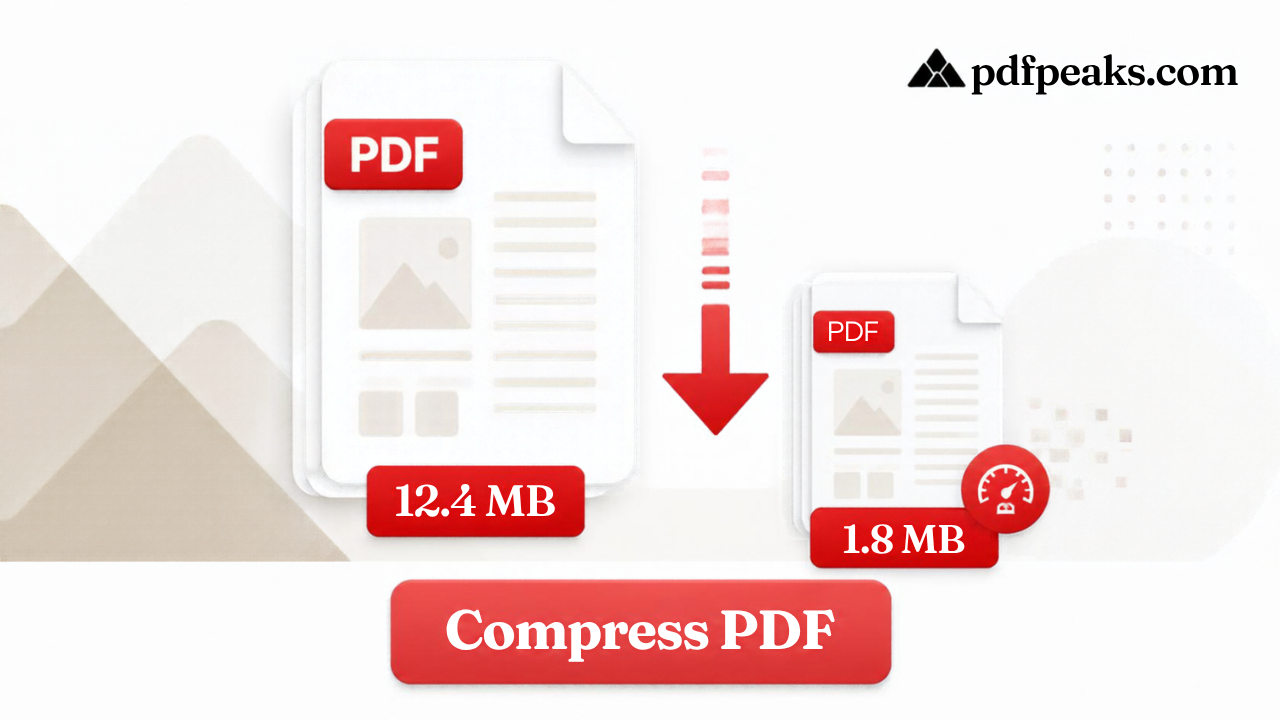
PdfPeaks Compress PDF — uploaded the 34MB file, picked Balanced compression, downloaded the result. It came out at 6.2MB. No account, no watermark, done in about 15 seconds.
The quality was fine. It's a scanned form so I was worried the text would go soft, but at Balanced level it's completely readable. I ran the same file through High compression just to see — it got down to 3.1MB, but the signature image got visibly blurry so I stayed with Balanced.
One thing worth knowing about email limits:
Gmail caps attachments at 25MB. Outlook is 20MB. Yahoo is 25MB. iCloud mail is only 20MB. If you're sending to someone with Outlook or iCloud and your file is 22MB, it might go through on your end and bounce on theirs. Better to target under 10MB to cover everyone.
If compression still isn't enough:
Sometimes a PDF is just too big no matter what — usually happens with long multi-section reports or portfolios. In that case:
- Use Split PDF to pull out just the pages the recipient needs, then compress the smaller file
- Or upload to Google Drive and share a link — not as clean as an attachment but it gets the job done
Anyway, 34MB to 6.2MB in 15 seconds. Job done. Has anyone found a better method for scanned documents specifically, or a tool that does better with mixed image/text pages?
For a full breakdown of compression levels and what they do to your file: How to Compress a PDF for Free — No Adobe, No Account